Brynka Delivery Routing

Let recipients choose how they get their packages.

When a package or piece of mail arrives, Brynka emails the recipient a link to decide how it reaches them: at their desk, at their mailstop, in a locker, held until they’re back, or shipped home. Your staff make fewer wasted trips, and every hand-off is tracked.

Schedule a Demo Download the brochure (PDF)
How it works

1

It arrives

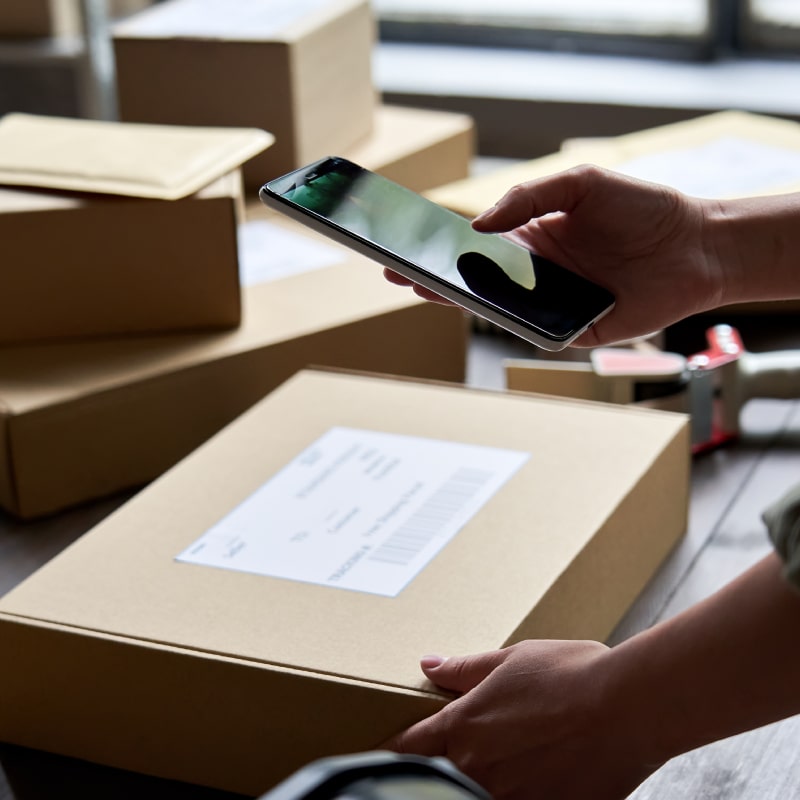
Your mail center scans the package or letter in, just as it does today. Delivery Routing can include a photo of each piece.

2

The recipient chooses

Brynka sends a notification email you can customize, with a link to their delivery options.

3

Your team delivers, or doesn’t have to

The choice flows straight into the delivery route. Held items wait until the date the recipient gave, and ship-home requests go to shipping.

Seven ways to receive a package

Recipients pick one for each package, and your team sees it on the delivery route.

  • Deliver normallyThe recipient signs for the package.
  • Deliver to deskLeft at their desk, no signature needed.
  • Deliver to my mailstopDropped at their nearest mailstop.
  • Put in a lockerPlaced in an intelligent locker for pickup.
  • Hold at the mailroomKept until the date they’re back at work.
  • Return to senderSent back, no trip to their office.
  • Ship to my homeThey fill out a ship request and it’s shipped to them.

What it does

Fewer wasted trips

The On-hold Delivery Response feature saves the time and labor of trying to deliver to someone who isn’t there.

Accountable tracking

An accountable mail tracking system, with a record of how every item was delivered.

Dashboards

A snapshot of key package and mail metrics by recipient.

Uses your existing hardware

Keep using the scanners and devices you already have to deliver both packages and mail.

Photo of each item

Delivery Routing can include a photo of each mail or package piece.

Connected to shipping

Delivery Routing data automatically syncs to Brynka Multi-Carrier Desktop Shipping, so “ship to my home” requests are ready to go.

See it in action

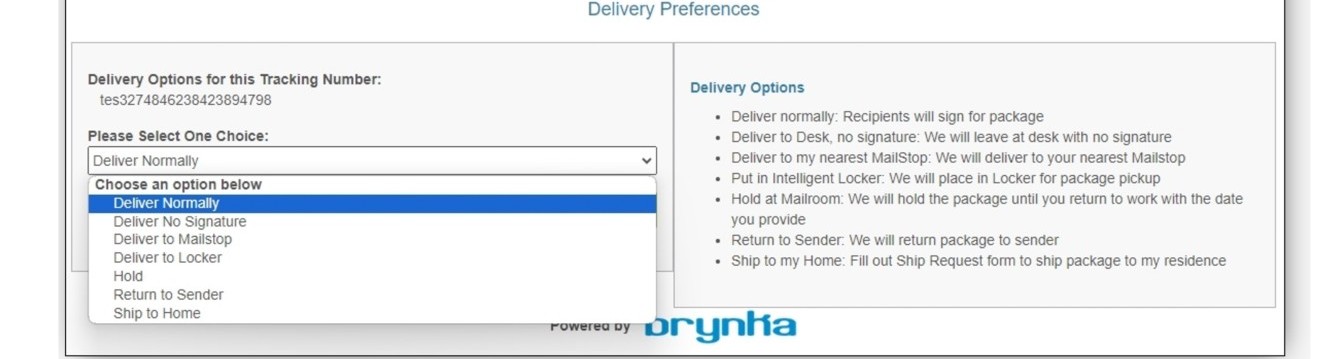
Brynka Delivery Preferences screen where a recipient picks how their package is delivered

The Delivery Preferences screen a recipient sees when they click the link in their email.

Works with the rest of Brynka

One cloud-based system, with full chain of custody from the loading dock to the recipient.

See Delivery Routing with your own workflow

A 30-minute demo, tailored to how your mail center works today.

Schedule a Demo